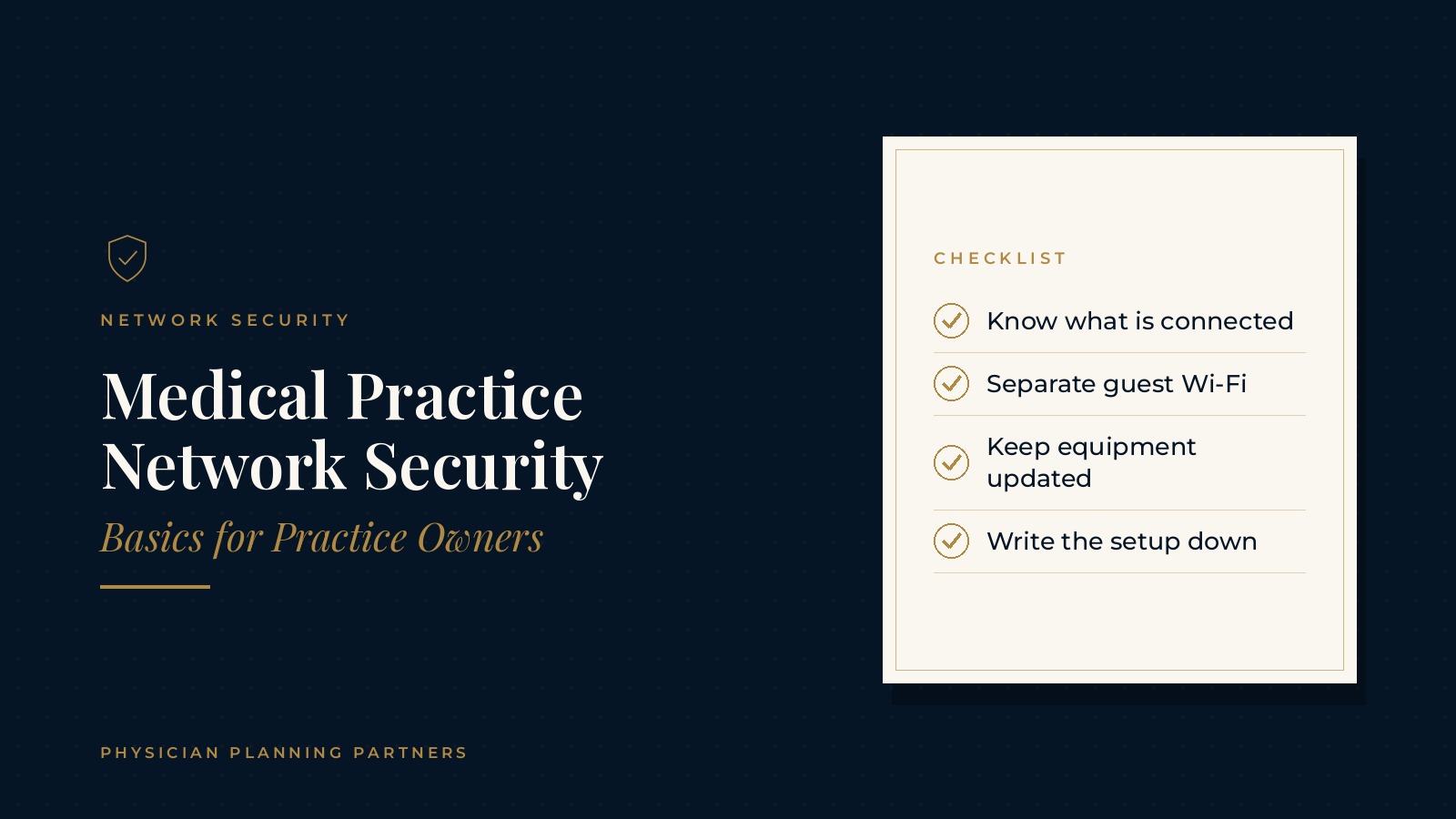
Medical Practice Network Security | Basics for Practice Owners
Medical practice network security covers the equipment, settings and everyday habits that protect the connections a practice runs on: the internet line, the firewall, the Wi-Fi, the computers and the cloud tools staff sign in to each day. This resource center guide gives practice owners a plain-English look at practice network basics, the parts of a typical office network, common planning questions about clinic Wi-Fi security and firewalls, and where owners can find an outside perspective.
The short answer: medical practice network security is the combination of equipment, settings and staff habits that keeps an office network working and protected. Most practice networks share the same building blocks, including an internet connection, a firewall, switches, Wi-Fi and devices, and owners commonly review each one with independent IT professionals.
Key takeaways
- Know what is on the network.
- Separate guest and staff Wi-Fi.
- Keep equipment updated.
- Plan remote access carefully.
- Write the setup down.
What medical practice network security means
A plain-English definition
A practice network is everything that connects computers, phones, printers and clinical devices to each other and to the internet. Network security is the set of protections and routines around those connections. It sits alongside device care, account sign-ins and backups as one part of the larger technology picture.
Why owners pay attention to it
Nearly every part of the clinic day now travels across the network: scheduling, phones, email, shared files, card readers and many clinical devices. When the network slows or stops, the front desk and the exam rooms feel it at once. Owners often look at network security as part of keeping the office running smoothly, not only as a technical topic.
Who usually handles it
Some practices rely on one staff member who knows the equipment, while many work with an outside technology team. The overview of medical practice managed IT services explains how outside teams commonly support networks, devices and help desk requests.
Practice network basics: the building blocks
The internet connection and router
The internet line enters the building through a modem, and a router directs traffic between the office and the outside world. Many offices keep the business account information, the support number and the equipment location in one shared document.
The firewall for a medical office
A firewall for a medical office sits between the internet and the internal network and decides which traffic is allowed in and out. Some routers include basic firewall features, while other offices use a separate business firewall. Settings, update schedules and alerts are usually managed by whoever supports the network.
Switches, cabling and the network closet
Switches connect wired devices such as desk computers, printers and phones. They usually live in a closet or rack along with the router and firewall. A labeled closet with a simple diagram makes troubleshooting and future changes easier.
Devices on the network
Every connected item, from a laptop to a label printer to a smart TV in the waiting room, is part of the network. Keeping a current list of devices, who uses them and where they sit is one of the most common first steps in reviewing network security.
Clinic Wi-Fi security and guest access
Separate networks for separate uses
Many practices run more than one wireless network: one for staff devices and a separate guest network for patients and visitors. Clinic Wi-Fi security often starts with that separation, so visitor phones and tablets never share a network with office computers.
Passwords and settings
Wi-Fi networks use a password and an encryption setting chosen when the equipment is set up. Practices often change the staff Wi-Fi password when someone leaves, and keep the guest password simple to share at the front desk.
Coverage and placement
Weak signals in exam rooms or back offices can push staff toward workarounds. A wireless survey or a quick walk through the office with a laptop shows where access points may need to move or be added.
Physician Planning Partners can introduce you to independent professionals who work with medical and healthcare practices on medical practice network security, IT planning and day-to-day technology support. If an outside view of the office network would be useful, request an introduction.
Everyday habits that support network security
Updates for equipment and devices
Routers, firewalls, switches and computers all receive updates from their makers. Many practices name one person or an outside team to watch for updates and schedule them for quiet times so the clinic day is not interrupted.
Accounts and sign-ins
Network equipment has its own administrator accounts. Practices often confirm that default passwords were changed at setup, that only a small number of people hold administrator access and that departing staff lose access on their last day.
Staff awareness
Many network problems begin with an unexpected email link or an unknown device plugged into an office computer. Short, regular reminders for staff about suspicious messages and unfamiliar devices are a common part of everyday routines.
Remote access and multiple locations
Working from outside the office
Physicians and staff sometimes need to reach office systems from home or another site. Remote access is usually set up through a secure connection method chosen by the practice's technology professionals, with a list of who has access and why.
Connecting more than one office
Practices with several locations often connect each site to shared systems. Each office still has its own internet line, firewall and Wi-Fi, so the same basics apply at every address. The medical office relocation checklist covers planning the network when a practice moves or opens a new space.
Cloud tools and the network
As more systems move to the cloud, the internet connection and the firewall carry more of the daily workload. The plain-English guide to medical practice cloud services explains how cloud tools and office networks work together.
Documenting and reviewing the office network
A simple network record
A short written record of the internet provider, equipment models, locations, administrator contacts and Wi-Fi networks makes the setup easier to support and easier to hand over when staff or technology partners change.
Planning for outages
Network equipment can fail like any other equipment. Many practices keep a short routine for what the front desk does during an outage, and some add a second internet line or a cellular backup. The guide to medical practice backup and disaster recovery covers downtime planning in more detail.
Periodic reviews
Owners often ask their technology professionals to review the network on a regular schedule and after changes such as new equipment, a new location or new software. The overview of medical practice network security gives a broader look at how practices approach the topic.
Frequently asked questions
What is medical practice network security?
Medical practice network security is the combination of equipment, settings and staff habits that keeps the connections between office computers, phones, devices and the internet working and protected.
What are the practice network basics owners should know?
Practice network basics include the internet connection, the router, the firewall, switches and cabling, the Wi-Fi networks and a current list of every connected device.
Why do practices separate guest and staff Wi-Fi?
A separate guest network lets patients and visitors use the internet without sharing a network with office computers, which is a common part of clinic Wi-Fi security.
Does a medical office need a separate firewall?
Some offices rely on firewall features built into the router, while others use a separate business firewall. Independent IT professionals can explain which setup fits a given office.
Who can help review a practice network?
Independent IT and managed services professionals can review the current network, document the setup and support staff, while the owners decide which options fit the practice.
Request an introduction to an independent professional
Physician Planning Partners can introduce you to independent professionals who work with medical and healthcare practices on networks, IT planning and office technology. Want a clearer picture of how medical practice network security fits your office? Take the 2-minute Practice Check and request an introduction. You can also call or text (972) 616-4581, or contact us.