Medical Practice Cloud Services | A Plain-English Overview
Medical practice cloud services are software, storage and communication tools that a practice uses over the internet instead of running them on servers kept in the office. Email, file storage, scheduling, phones, backups and many practice management systems now come in cloud versions. This resource center guide gives a plain-English overview of how medical practice cloud services work, which systems practices commonly move, the planning questions that come up before moving practice systems to the cloud, and where owners can find an outside perspective.
The short answer: medical practice cloud services run practice software and store files on remote servers that staff reach through the internet. Practices often use them for email, documents, phones, backups and scheduling, and many owners plan the move one system at a time.
Key takeaways
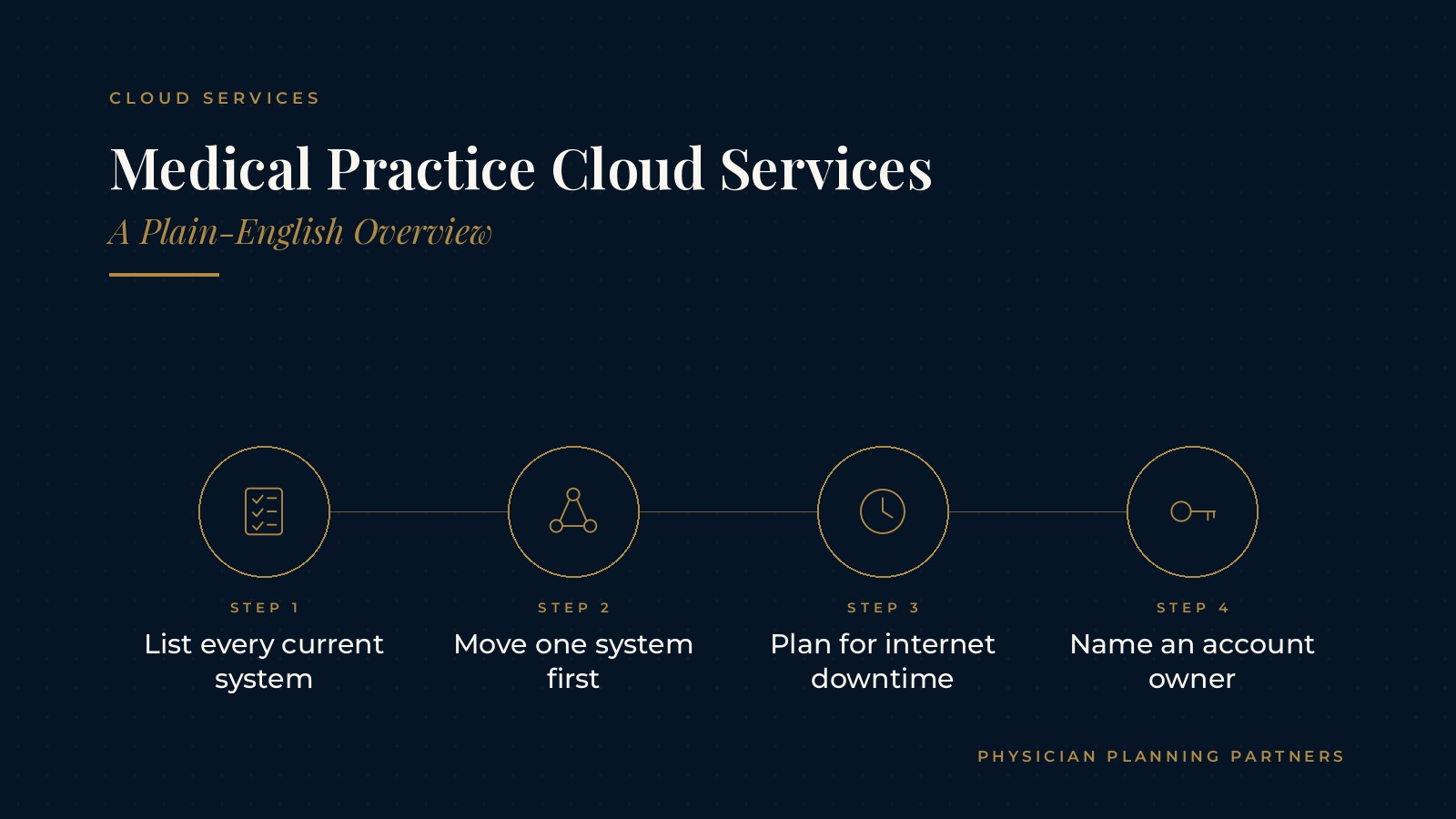
- Cloud tools run over the internet.
- List every current system first.
- Move one system at a time.
- Plan for internet downtime.
- Name an owner for each account.
What medical practice cloud services are
A plain-English definition
Cloud computing for doctors works the same way it does for any office. Instead of buying a server, installing software on it and keeping it in a closet, the practice signs in to software that a provider runs in its own data centers. Staff reach the tools through a web browser, a desktop app or a phone app.
On-site systems versus cloud systems
With on-site systems, the practice keeps the hardware, handles updates and replaces equipment as it ages. With cloud systems, much of that upkeep shifts to the provider, and the practice focuses on accounts, settings, devices and the internet connection. Many offices run a mix of both for years.
Why practices look at cloud options
Owners often review cloud options when a server is aging, when the practice adds a location, when staff need to work from more than one place, or when the office wants fewer pieces of equipment to maintain. The overview of medical practice managed IT services explains how outside technology teams commonly support these systems.
Common cloud software in a medical office
Email, calendars and documents
Office email, shared calendars and document storage are often the first systems a practice moves. Cloud software in a medical office lets staff open the same files from the front desk, a back office or a second location, with version history kept in one place.
Phones and messaging
Cloud phone systems replace the traditional phone closet with service delivered over the internet. Call routing, voicemail and after-hours greetings are managed in an online portal. The guide to medical practice VoIP covers how these phone systems work for practices.
Practice management and scheduling tools
Many scheduling, practice management and patient communication tools are offered as cloud subscriptions. Practices usually confirm with each software vendor which version they run today and what a move would involve.
Backups and file storage
Cloud backups keep copies of important files away from the office, which can help a practice recover after a hardware failure, a power problem or a damaged device. The guide to medical practice backup and disaster recovery explains how practices plan for downtime.
Planning questions before moving practice systems to the cloud
What runs in the office today
A simple inventory is a common first step: every server, application, shared folder, phone line and device, with who uses it and how often. The list makes it easier to see which systems depend on each other.
Which system moves first
Moving practice systems to the cloud usually goes smoother one system at a time. Many offices start with something staff use every day but that is easy to test, such as email or shared files, before moving larger systems.
How staff will sign in
Cloud tools rely on accounts and passwords. Practices often plan how new staff get accounts, how departing staff lose access, and whether sign-ins use a second verification step such as an app prompt.
What happens when the internet is down
When systems live in the cloud, the internet connection becomes part of the daily workflow. Some practices add a second internet line or a cellular backup, and many write a short downtime routine so the front desk knows what to do during an outage.
Physician Planning Partners can introduce you to independent professionals who work with medical and healthcare practices on medical practice cloud services, IT planning and day-to-day technology support. If an outside view of the office systems would be useful, request an introduction.
Running cloud systems day to day
Account and license housekeeping
Cloud subscriptions are often billed per user. Keeping a current list of accounts, licenses and renewal dates helps the practice remove unused accounts and add new staff without delay.
Updates and settings
Providers update cloud software on their own schedule. Practices often name one person to watch for change notices, review settings after major updates and share any changes with staff.
Devices and connections
Laptops, tablets, desk computers and phones are the doorway to cloud tools. Keeping devices updated, locked when unattended and connected through a secure office network supports everything else.
Planning for growth, new locations and office moves
Adding a location
Cloud tools can make a second location easier to set up because staff sign in to the same systems from a new office. Planning still covers internet service, phones, printers and devices at the new site.
Moving the office
When a practice relocates, cloud systems can reduce the amount of equipment that has to be moved and reconnected. The medical office relocation checklist covers the broader planning steps of a move.
Documenting the setup
A short written record of every cloud system, its administrator, its purpose and how to reach support makes the setup easier to manage, easier to hand over to new staff and easier to explain to outside technology partners.
Getting outside help with medical practice cloud services
Questions owners often ask a technology partner
Owners often ask how a partner plans a move, how staff are trained, how support requests are handled and what documentation the practice receives at the end. Clear answers make it easier to compare options.
Keeping decisions with the practice
Independent IT professionals can map the current setup and explain options, while the owners decide what fits the office. The overview of medical practice cloud services gives a broader look at how practices use cloud tools.
Frequently asked questions
What are medical practice cloud services?
Medical practice cloud services are software, storage and communication tools a practice uses over the internet instead of running them on servers kept in the office.
What does cloud computing for doctors usually include?
Cloud computing for doctors often includes email, shared documents, phones, backups, scheduling and practice management tools that staff reach through a browser or app.
Do practices move every system to the cloud at once?
Many practices move one system at a time, often starting with email or shared files, so staff can adjust and each move can be tested before the next one.
What happens to cloud software in a medical office when the internet goes down?
Staff may lose access until the connection returns, which is why many practices plan a backup internet connection and a short written downtime routine.
Who can help with moving practice systems to the cloud?
Independent IT and managed services professionals can review the current setup, plan the order of moves and support staff, while the owners decide which options fit the practice.
Request an introduction to an independent professional
Physician Planning Partners can introduce you to independent professionals who work with medical and healthcare practices on cloud software, IT planning and office technology. Want a clearer picture of how medical practice cloud services could fit your office? Take the 2-minute Practice Check and request an introduction. You can also call or text (972) 616-4581, or contact us.