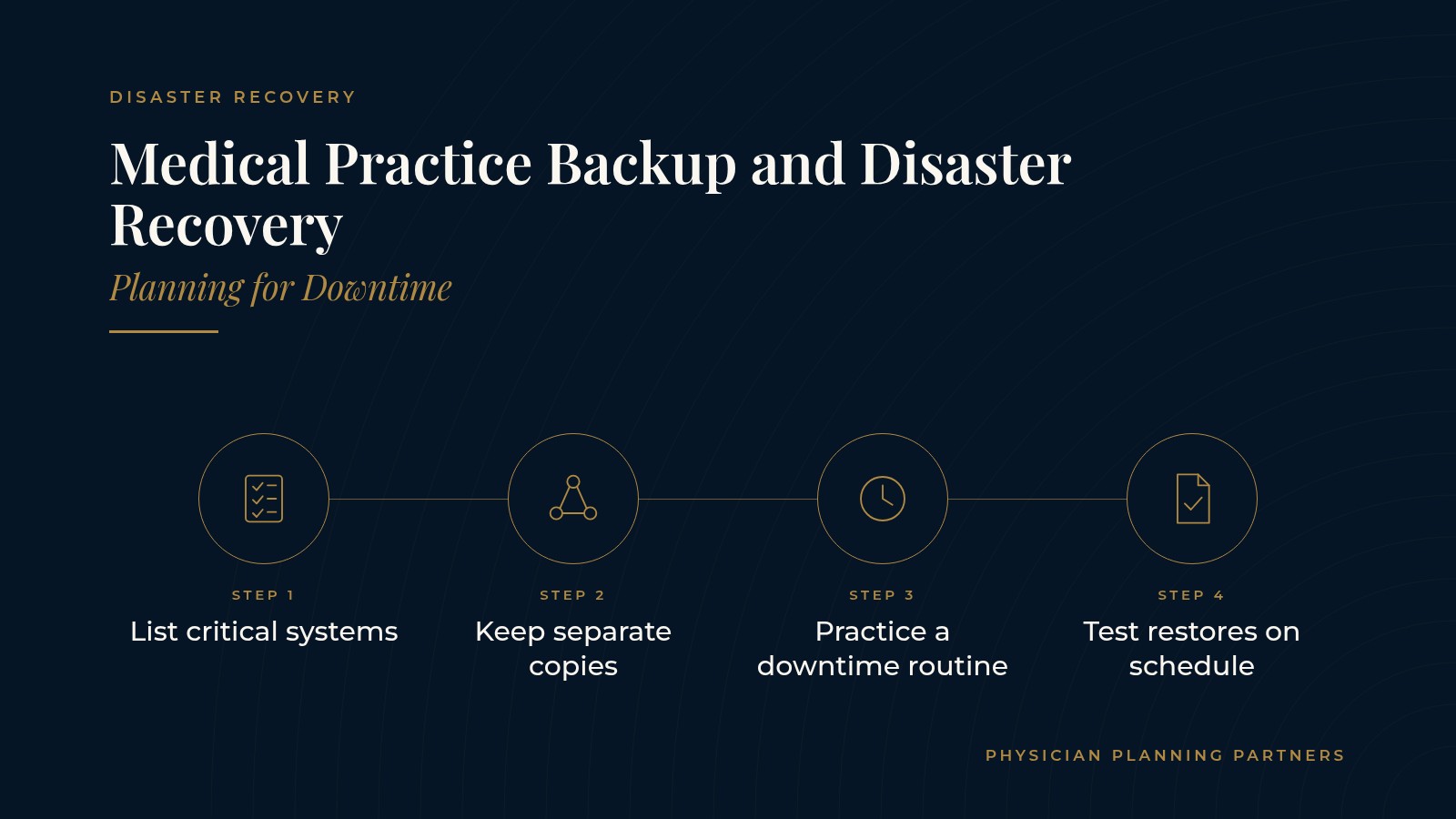
Medical Practice Backup and Disaster Recovery | Planning for Downtime
Every practice runs on systems that can stop without warning: a server fails, the internet drops, a power outage darkens the building or a storm closes the office. Medical practice backup and disaster recovery planning is the work of deciding ahead of time how data is copied, how systems come back and how the practice keeps caring for patients while they do. This resource explains the main ideas in plain language, from practice data backup to clinic downtime planning, so owners and managers can have a clearer conversation with the technology professionals who support them.
The short answer: medical practice backup and disaster recovery planning usually covers three things: regular copies of important data stored in more than one place, a written plan for bringing systems back, and a downtime routine staff can follow in the meantime. Testing the plan on a schedule is what turns it from a document into a working habit.
Key takeaways
- Know which systems matter most.
- Keep copies in separate places.
- Write a simple recovery plan.
- Practice a downtime routine.
- Test and review on schedule.
What medical practice backup and disaster recovery means
Backup and disaster recovery are related but different. Backup is the routine of copying data so a recent version exists somewhere else. Disaster recovery is the plan for restoring systems and getting the practice working again after something goes wrong.
Backup in plain terms
A backup is a saved copy of files, databases or whole systems taken on a set schedule. Many practices keep one copy on site for quick restores and another copy off site or in the cloud in case the building itself is affected.
Recovery in plain terms
Recovery is the set of steps that brings systems back, in a sensible order, after an outage. It answers questions such as which system comes back first, who makes the call and how staff are told when it is ready.
Where downtime planning fits
Clinic downtime planning covers the hours or days between an outage and full recovery. It describes how the front desk checks patients in, how schedules are viewed and how notes are captured until normal systems return.
Listing the systems the practice depends on
An inventory of systems
A simple list of every system the practice uses is the starting point: the electronic health record, practice management and scheduling software, phones, email, shared files, imaging or device software and the internet connection itself. The overview of medical practice managed IT services describes how outside technology support often keeps this kind of inventory current.
Ranking what matters most
Not every system needs to return at the same speed. Practices commonly rank systems by how much a stoppage would affect patient care and daily operations, which helps set the order of recovery.
Recovery time and recovery point
Two planning terms come up often. Recovery time describes how long the practice can work without a system. Recovery point describes how much recent data the practice could accept re-entering if the last backup is a few hours old. Both shape how often backups run.
Knowing who holds what
Some data lives with cloud software vendors rather than on practice equipment. Listing which vendor hosts each system, and how the practice reaches their support team, keeps the plan realistic.
Practice data backup habits
Copies in more than one place
A common approach is to keep several copies of important data on different types of storage, with at least one copy kept away from the office. That way a single failure, theft or office closure does not take every copy with it.
Automatic and monitored
Backups that run automatically on a schedule, with alerts when a job fails, are easier to trust than backups that depend on someone remembering a task. Someone should be named to read those alerts.
Protected from tampering
Backup copies that cannot be easily changed or deleted from the everyday network are better placed to survive malicious software. The page on medical practice backup and disaster recovery gives a broader overview of how practices think about protected copies.
Physician Planning Partners can introduce you to independent professionals who work with medical and healthcare practices on medical practice backup and disaster recovery, practice data backup and wider IT support. If a clearer recovery plan would be useful, request an introduction.
Clinic downtime planning for staff
An EHR outage plan
An EHR outage plan describes what staff do when the health record or scheduling system is unavailable. It usually includes printed or offline schedules for the day, paper forms for check-in and notes, and a clear process for entering that information once systems return.
Phones and patient communication
If phones or internet go down, patients still need to reach the practice. Cloud phone systems can often forward calls to other locations or mobile devices. The guide to medical practice VoIP explains how call routing works when the office line is unavailable.
Roles during an outage
A short list of who decides what during an outage keeps the day calm. The practice manager, a front desk lead and the practice's technology support contact are often named, along with backups for each.
Keeping the routine written down
Downtime steps belong in the practice's written procedures. The overview of medical practice workflow describes how practices document daily processes so a downtime routine sits beside the normal one.
Testing and reviewing the plan
Test restores
A backup that has never been restored is an untested assumption. Many practices schedule test restores of a few files or a full system so they know the process works and how long it takes.
Tabletop walkthroughs
A tabletop walkthrough is a short meeting where staff talk through an outage step by step using the written plan. It shows gaps in contact lists, paper forms or roles without disrupting the schedule.
Reviewing after changes
New software, a new location, a phone system change or staff turnover are all good moments to update the plan. A yearly review keeps contact details and system lists current.
Frequently asked questions
What is medical practice backup and disaster recovery?
Medical practice backup and disaster recovery is the combination of regular data copies stored in more than one place and a written plan for restoring systems and keeping the practice working after an outage.
What is the difference between backup and disaster recovery?
Backup is the routine of copying data on a schedule. Disaster recovery is the broader plan for bringing systems back in order and returning the practice to normal operations.
What belongs in an EHR outage plan?
An EHR outage plan usually covers offline or printed schedules, paper forms for check-in and notes, who decides what during the outage and how information is entered once the system returns.
How often should a practice test its backups?
Practices commonly schedule test restores on a regular cycle and after major system changes, so they know backups can be restored and how long recovery takes.
Who is usually involved in clinic downtime planning?
The practice manager, front desk leads, physicians and the practice's technology support professionals are usually involved, since each group sees a different part of how the practice keeps running.
Request an introduction to an independent professional
Physician Planning Partners can introduce you to independent professionals who work with medical and healthcare practices on medical practice backup and disaster recovery, clinic downtime planning and day-to-day IT support. Want a clearer picture of how the practice would keep running through an outage? Take the 2-minute Practice Check and request an introduction. You can also call or text (972) 616-4581, or contact us.