
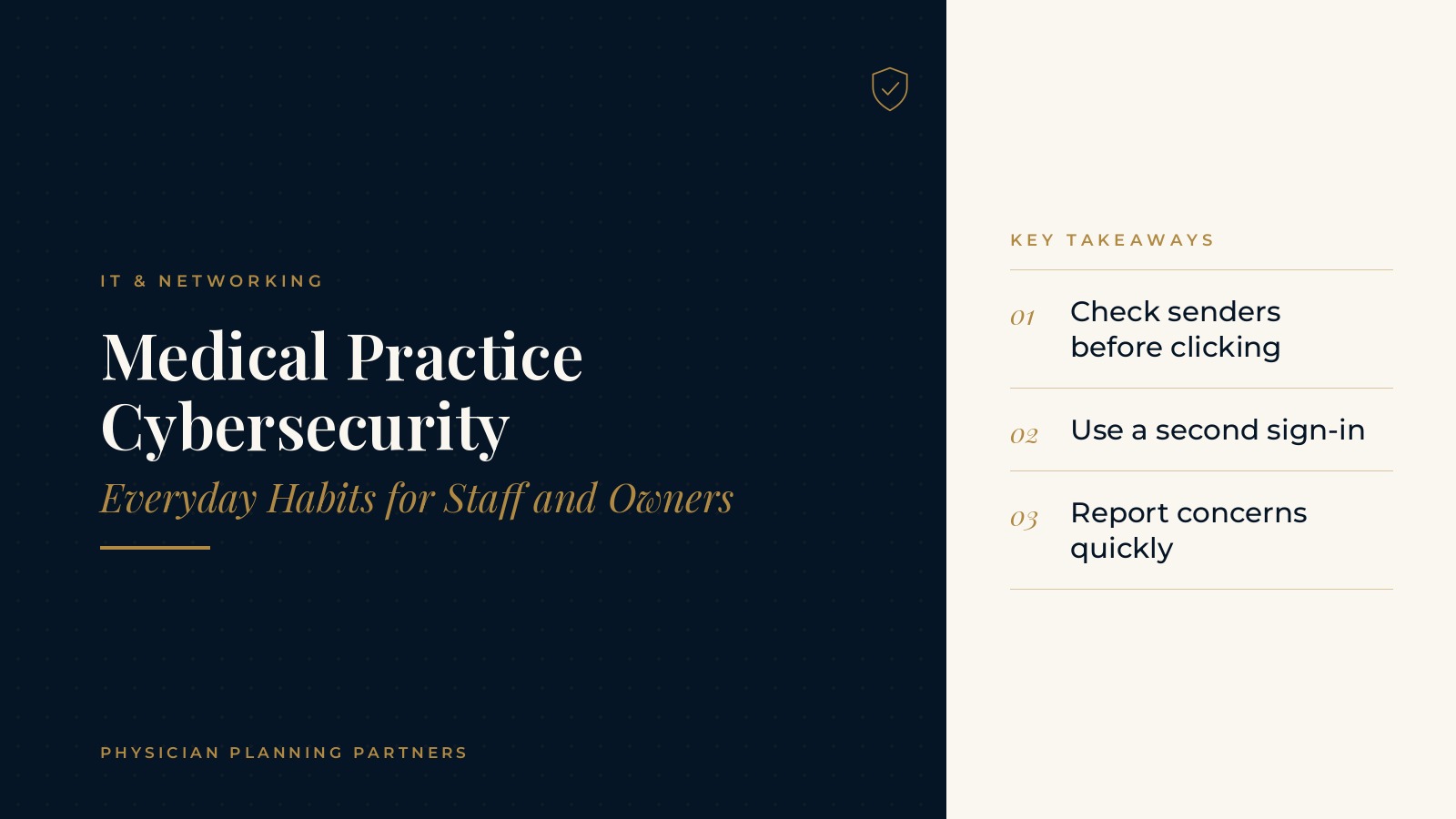
Medical Practice Cybersecurity | Everyday Habits for Staff and Owners
Medical practice cybersecurity is mostly a matter of everyday habits: how staff handle email, passwords, devices and software updates during a normal clinic day. Technology tools matter, but the routines people follow at the front desk, in the back office and on the road often decide how well those tools work. This resource center guide explains the common cybersecurity habits medical and healthcare practices build for staff and owners, and the planning questions owners often review with their own technology professionals.
The short answer: medical practice cybersecurity habits are the small, repeatable routines that keep practice accounts and devices protected, such as checking email senders, using strong unique passwords with a second sign-in step and installing updates on schedule. Most practices pair those habits with short, regular staff training and a clear way to report anything that looks wrong.
Key takeaways
- Treat security as a daily habit.
- Use a second sign-in step.
- Keep devices and software updated.
- Make reporting quick and welcoming.
- Review habits with staff regularly.
Why medical practice cybersecurity starts with habits
People are part of the system
Most office systems are only as protected as the accounts and devices used to reach them. A strong firewall and good backups still depend on staff choosing careful passwords, spotting suspicious messages and locking screens when they step away. That is why cybersecurity for doctors and their teams is often described as a shared routine rather than a single product.
Small routines add up
Habits such as pausing before opening an attachment or confirming an odd request by phone take only seconds. Repeated across every person and every day, those small routines shape how resilient the practice is overall.
Owners set the tone
When physician owners and office managers follow the same routines they ask of staff, the habits feel normal instead of optional. Clinic security basics tend to stick best when leaders talk about them openly and treat questions as welcome.
Email and phishing awareness
What phishing messages often look like
Phishing messages try to get someone to click a link, open an attachment, share a login or move a payment. They often borrow the look of a known vendor, a colleague or a delivery notice and add time pressure to push a quick reaction.
Pausing before clicking
A common habit is to stop and check the sender address, hover over links before clicking and question any message that asks for a login, a password reset or a change to payment details. Many practices also confirm unusual requests by calling the person at a known number rather than replying to the email.
Phishing training staff can remember
Regular phishing training staff members can complete in a few minutes tends to be easier to remember than one long annual session. Some practices use short refreshers, simulated messages and quick team huddles to keep the topic familiar.
Passwords, sign-ins and access
Strong, unique passwords
Reusing one password across many accounts means a single leak can open several doors. Many practices use a password manager so each account gets a long, unique password without staff needing to memorize all of them.
A second sign-in step
Multi-factor authentication adds a second check, such as a code or an app prompt, after the password. Turning it on for email, remote access and key practice systems is one of the most widely recommended clinic security basics.
Access that matches each role
Each person usually needs access only to the systems their role requires. Reviewing access when someone changes roles or leaves the practice keeps old accounts from lingering. The guide to medical practice network security basics explains how the office network side of access is commonly organized.
Physician Planning Partners can introduce you to independent professionals who work with medical and healthcare practices on technology support, security planning and staff training. If an outside look at your medical practice cybersecurity habits would be useful, request an introduction.
Devices, updates and everyday office routines
Locking screens and shared workstations
Shared front desk and exam room computers are convenient, but they make screen locking and individual logins especially important. A short automatic lock timer and a habit of signing out between users are common routines.
Installing updates on schedule
Software and operating system updates often close known security gaps. Many practices schedule updates after hours so they do not interrupt patient visits, and keep a simple record of which devices are current. The overview of medical practice managed IT services describes how outside support teams commonly handle updates and device monitoring.
Laptops, phones and remote work
Devices that leave the office need the same care as office workstations: screen locks, updates, encryption where available and a plan for lost or stolen equipment. Public Wi-Fi is usually treated with extra caution.
Backups as a safety net
Good habits lower risk, but they cannot remove it entirely. Regular, tested backups give the practice a way to recover if something still goes wrong. The guide to medical practice backup and disaster recovery explains how practices plan for downtime.
Reporting and responding to concerns
Make reporting easy
Staff are more likely to speak up quickly when reporting is simple and handled without blame. Many practices name one contact, such as the office manager or an outside support desk, for anything that looks suspicious.
What a basic response plan covers
A short written plan usually lists who to call, how to disconnect an affected device from the network and how to reach key vendors after hours. Keeping that plan printed as well as stored online helps if systems are unavailable.
Learning without blame
After any incident or near miss, a calm review of what happened helps the team adjust habits. The focus stays on improving routines rather than on individual fault.
Medical practice cybersecurity planning questions for owners
Who owns security routines?
Owners often decide who keeps the habit checklist current, who schedules training and who tracks updates and access reviews. Naming that person keeps the routines from drifting.
How often is training refreshed?
Many practices refresh staff training a few times a year and again when new tools or new team members arrive. Short sessions tend to fit a clinic schedule better than long ones.
Which outside partners are involved?
Technology support teams, software vendors and phone providers each touch part of the picture. Listing who handles what helps owners see gaps. The page on medical practice cybersecurity gives a broader look at how practices organize security support.
Frequently asked questions
What is medical practice cybersecurity?
Medical practice cybersecurity is the combination of tools, routines and staff habits a practice uses to keep its accounts, devices and systems protected from misuse.
Why do everyday habits matter so much?
Most systems are reached through people, so routines such as checking senders, using strong passwords and installing updates shape how well the practice tools work.
What is phishing training for staff?
Phishing training shows staff how suspicious messages often look and what to do instead of clicking, usually through short refreshers and practice messages.
What are common clinic security basics?
Common basics include strong unique passwords, a second sign-in step, screen locking, timely updates, tested backups and a simple way to report concerns.
Who usually leads cybersecurity routines in a practice?
The office manager or an operations lead often keeps the routines current, working with the practice owners and whoever provides day-to-day technology support.
Request an introduction to an independent professional
Physician Planning Partners can introduce you to independent professionals who work with medical and healthcare practices on technology support, security planning and staff training. Want a clearer picture of how everyday medical practice cybersecurity habits support your team? Take the 2-minute Practice Check and request an introduction. You can also call or text (972) 616-4581, or contact us.


