
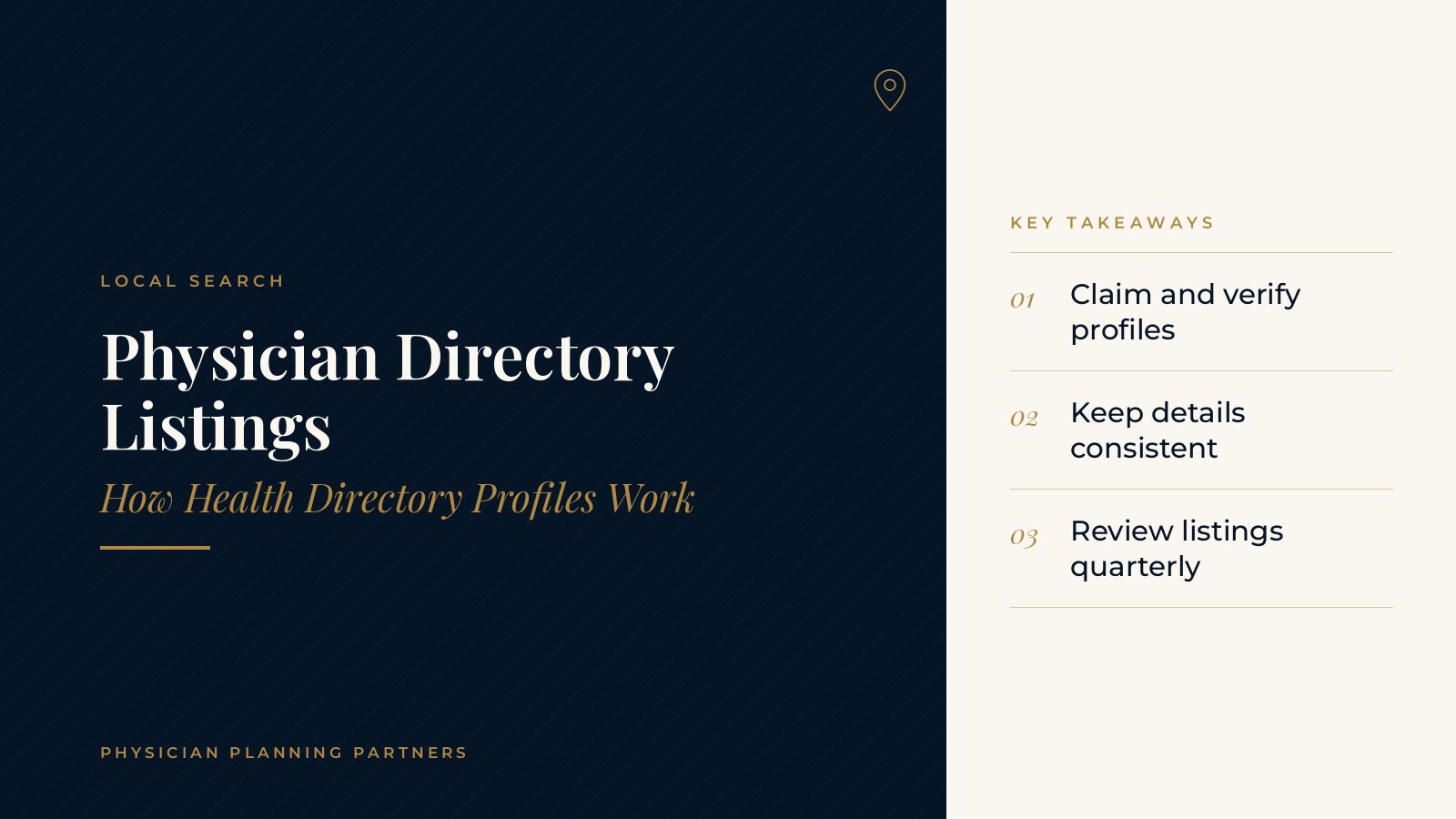
Physician Directory Listings | How Health Directory Profiles Work
Physician directory listings are the profiles that describe a doctor or practice on health directory websites, map apps and review platforms. Patients often see these profiles while searching for a provider, sometimes before they ever reach the practice website. This resource center guide explains how physician directory listings work, what a typical directory profile includes, how a Healthgrades listing and other online doctor directories fit together and the planning questions practices often review to keep their information accurate.
The short answer: physician directory listings are public profiles that show a provider's name, specialty, locations, contact details and patient reviews on third-party websites. Keeping these profiles claimed, accurate and consistent with the practice website helps patients find correct information wherever they search.
Key takeaways
- Directories show practice details publicly.
- Claim and verify each profile.
- Keep name, address and phone consistent.
- Update hours and providers promptly.
- Review listings on a set schedule.
How physician directory listings work
Where listing data comes from
Many directories build profiles from public provider records, data suppliers and information submitted by practices. Because the data can come from several places, a profile may exist even if no one at the practice created it.
Claimed and unclaimed profiles
An unclaimed profile is one the practice has not taken control of yet. Claiming a profile usually involves verifying identity and the connection to the practice, then gaining access to edit details. A claimed profile lets the practice correct information and add photos, hours and descriptions.
How listings connect to search
Directory profiles often appear in search results for provider names and specialties. Search engines also compare information across sites, so a consistent name, address and phone number across directories, maps and the website supports a clear picture of the practice online.
What a directory profile includes
Provider and practice details
A typical directory profile lists the provider's name, credentials, specialty, practice name, address, phone number and website. Some profiles also show languages spoken, education and hospital affiliations.
Hours, locations and visit types
Profiles often include office hours, each location and the types of visits offered, such as in-person or virtual. Practices with several offices usually make sure each location has its own accurate details.
Photos and descriptions
Photos of the office exterior, waiting area and providers, taken with consent, help patients recognize the practice. A short, plain-language description of services keeps the profile consistent with the website and other listings.
Specialty and service categories
Most directories ask the practice to choose a specialty and a short list of services or conditions treated. Choosing categories that match the services described on the website helps patients searching for a specific type of care find the right profile. Practices often revisit these categories when they add a service or a new provider joins.
Patient reviews
Many directories display ratings and written reviews next to the profile. The guide to patient reviews for doctors explains how practices often think about reviews across platforms.
Physician Planning Partners can introduce you to independent professionals who work with medical and healthcare practices on local search, listings and online visibility. If an outside review of your physician directory listings would be useful, request an introduction.
A Healthgrades listing and other online doctor directories
Health directory websites
Online doctor directories include health information sites, such as Healthgrades, Vitals and WebMD, along with specialty society directories and hospital or health system provider finders. A Healthgrades listing is one common profile that many providers see appear in search results for their names.
Maps and general business listings
Map apps and general business directories also list medical offices. The practice's Google profile is often the most visible of these. The guide to Google Business Profile for doctors covers how that listing presents the practice in search and maps.
Scheduling platforms
Some directories include online scheduling. When a practice uses one of these tools, the listing may show open appointment times. The details on the directory, such as locations and visit types, usually need to match what the practice actually offers.
Planning questions for physician directory listings
Which profiles already exist?
Many practices start by searching each provider's name and the practice name to see which directory profiles already appear. A simple spreadsheet listing each site, the profile link and whether it is claimed makes the review easier to repeat.
Is the information consistent?
Practices often compare the name, address, phone number, website link and hours on each profile with the practice website. Small differences, such as an old suite number or a former phone line, are common after a move or a phone change.
Who manages the listings?
Assigning one person or role to manage listings keeps updates from being missed. Logins for each profile are best stored in an account the practice controls, so access does not depend on one staff member.
What happens when providers or locations change?
When a provider joins or leaves, or an office opens, moves or closes, listings usually need updates. Many practices add a listings step to their checklist for these changes.
Keeping physician directory listings accurate
Regular reviews
Many practices review their main directory profiles on a set schedule, such as each quarter, and again after any change to hours, phone numbers or locations. A review checks each field against the website and corrects anything outdated.
Duplicate profiles
Duplicate listings can appear when data suppliers create a new profile for an old address or a slightly different name. Most directories offer a way to report or merge duplicates so patients see one accurate profile.
Tracking listing changes
Some practices keep a simple log of each update, noting the date, the profile and what changed. A log makes it easier to confirm that edits were accepted and to repeat the same updates across every directory after a future change.
Connecting listings to the website
Listings work best when the practice website shows the same details and makes it easy for patients to take the next step. The overview of how patients choose a doctor online explains where listings fit in a patient's search, and the page on medical SEO gives a broader look at search visibility for practices.
Frequently asked questions
What are physician directory listings?
Physician directory listings are public profiles on health directories, map apps and review sites that show a provider's name, specialty, locations, contact details and reviews.
What is a directory profile for a doctor?
A directory profile is a single listing for a provider or practice on a directory website, usually including credentials, specialty, address, phone number, hours and reviews.
How does a practice claim a Healthgrades listing?
A practice usually claims a Healthgrades listing by finding the provider's profile, choosing the option to claim it and completing the site's verification steps.
Why do online doctor directories show different information?
Online doctor directories pull data from several sources, so details can differ until the practice claims each profile and updates it.
How often should directory listings be reviewed?
Many practices review their main directory listings each quarter and again after changes to hours, phone numbers, providers or locations.
Request an introduction to an independent professional
Physician Planning Partners can introduce you to independent professionals who work with medical and healthcare practices on local search, listings and practice marketing. Want a clearer picture of how your physician directory listings look across the web? Take the 2-minute Practice Check and request an introduction. You can also call or text (972) 616-4581, or contact us.


