
Medical Practice Operations Manual | What to Document and Why
A medical practice operations manual is the written guide to how a practice runs day to day: who does each task, in what order, with which tools and what a finished task looks like. It turns knowledge that lives in a few people's heads into a shared reference the whole team can use. This resource center guide explains what a medical practice operations manual usually covers, how it is organized, how practices keep it current and the planning questions owners often review along the way.
The short answer: a medical practice operations manual is a single, organized collection of the procedures, checklists and contacts that keep the office running. Most practices build it one section at a time, starting with the busiest daily tasks, and review it whenever staff, systems or services change.
Key takeaways
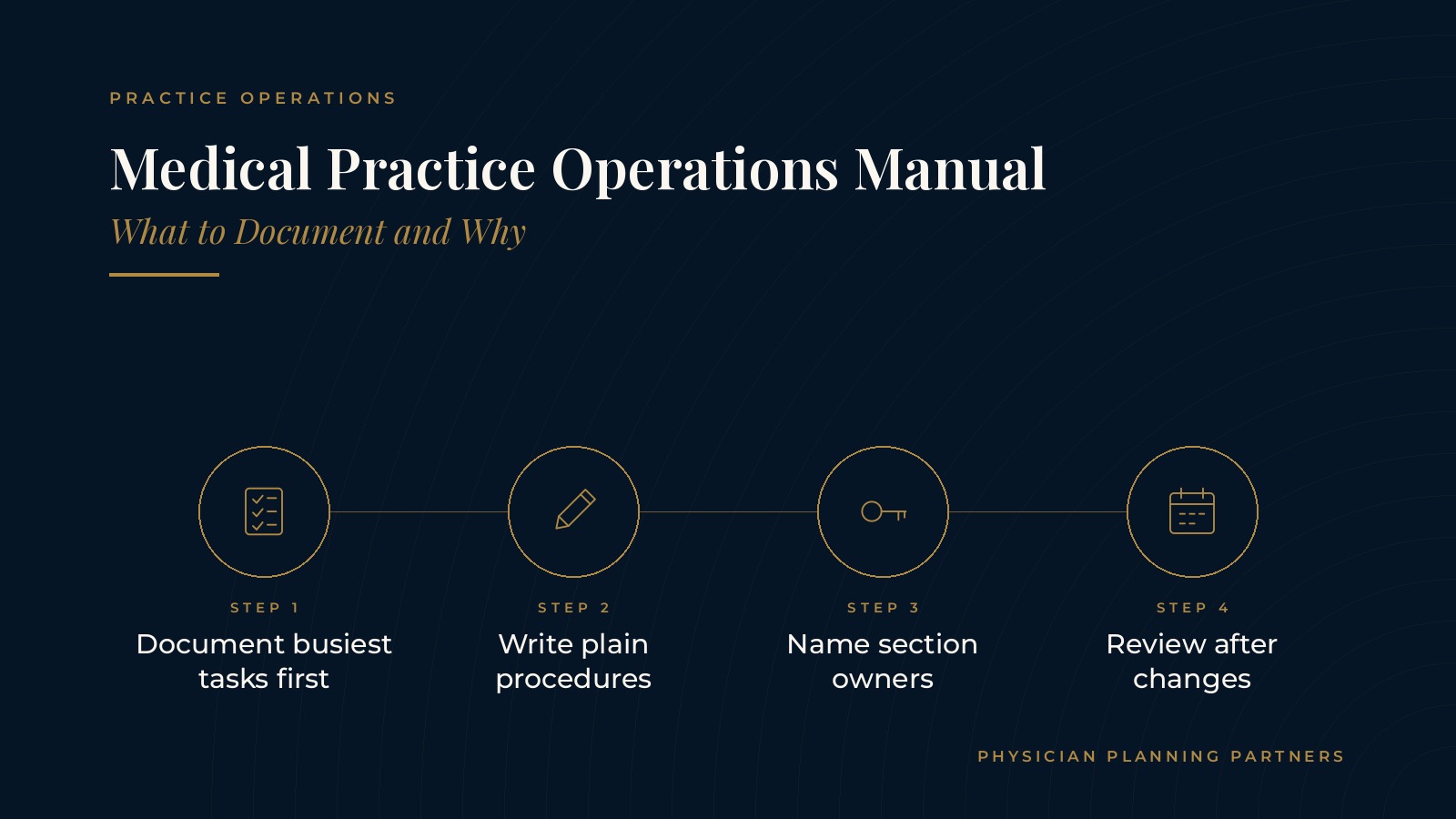
- Document the busiest tasks first.
- Write procedures in plain language.
- Name an owner for each section.
- Keep one current version.
- Review after every change.
What a medical practice operations manual is
A shared reference for daily work
An operations manual collects the routines that repeat every day, week and month. It describes the steps, the role responsible and the tools involved, so anyone filling in can follow the same process. Some practices call it an office policies and procedures manual, while others keep a staff procedures binder at the front desk. The name matters less than having one place where the current version lives.
How it differs from a workflow map
A workflow map shows how work moves from one person to the next during a visit. The manual goes a level deeper and explains how each step is done. The guide to medical practice workflow covers how practices map those hand-offs before writing the detailed procedures.
Why practices write one down
A written manual makes onboarding more consistent, helps the office keep pace when someone is out and gives owners a clearer view of how the practice actually runs. It also makes the business easier to hand to a new manager, because the routines no longer depend on memory.
What to document in a medical practice operations manual
Front office procedures
Front office sections usually cover opening and closing the office, answering and routing calls, scheduling rules, check-in and checkout steps and how messages are logged. The guide to medical front desk training describes the skills and checklists these roles often rely on.
Clinical support routines
Clinical support sections describe rooming steps, room turnover, supply checks and how tasks pass between medical assistants, nurses and providers. Clinical decisions stay with the physicians; the manual focuses on the operational routines around each visit.
Back office tasks
Back office sections often explain how records requests are handled, how referrals are tracked, how claims move through each stage and how supplies are ordered. Each procedure names the role responsible and where the related files or systems are kept.
Technology and vendors
A short technology section lists the systems the office uses, who to contact for support and the basic steps for common issues such as a phone outage or a printer that will not connect. A vendor list with account contacts and renewal reminders keeps that information from living in one person's inbox.
Roles and contacts
A roles section lists each position, its main responsibilities and who covers it during absences. The guide to medical practice staffing explains how practices plan team size and roles, which feeds into this part of the manual.
Physician Planning Partners can introduce you to independent professionals who work with medical and healthcare practices on operations, procedures and practice management. If an outside look at your medical practice operations manual would be useful, request an introduction.
How to organize a clinic SOP library
One procedure per task
A clinic SOP, or standard operating procedure, works best when it covers a single task. Short procedures are easier to find, follow and update than long chapters that mix several routines together.
A simple, repeatable format
Many practices use the same layout for every procedure: the purpose, the role responsible, the tools needed, the numbered steps and what a finished task looks like. A consistent format helps staff scan quickly and helps the person updating the manual see what is missing.
Checklists for recurring routines
Opening, closing, end of day and monthly routines often work well as checklists. A checklist can sit beside the full procedure so staff have a quick reference and a detailed version when they need it.
A clear table of contents
Grouping procedures by area, such as front office, clinical support, back office and technology, and listing them in a table of contents makes the manual easier to navigate. Version dates on each page show which copy is current.
Keeping the manual current
Assign section owners
Each section works best with a named owner, often the office manager or a lead in that area. The guide to medical office manager responsibilities shows how this fits into the broader management role.
Review on a schedule
Many practices review the manual on a set schedule, such as each quarter, and again whenever a system, service or staff role changes. A short review log notes what changed and when.
Store one version
Keeping the current manual in one shared location, and removing outdated copies, means staff always know where to look. A printed staff procedures binder can still be useful at the front desk as long as it is replaced when the shared version changes.
Planning questions for a medical practice operations manual
Where should the first section start?
Owners often start with the tasks that happen most often or cause the most questions, such as phone handling, scheduling and checkout. Early sections show quick value and build momentum for the rest.
Who will write and approve procedures?
Many practices have the person who does the task draft the procedure, then have a manager review it for clarity and consistency. Naming those roles up front keeps the project moving.
How will the manual grow with the practice?
Adding a provider, service or location usually adds new procedures. Planning sections that can expand, rather than starting over, keeps the manual organized as the practice grows. The page on medical practice operations gives a broader look at how practices organize daily work.
Frequently asked questions
What is a medical practice operations manual?
A medical practice operations manual is the written guide to how a practice runs day to day, covering procedures, checklists, roles and contacts in one organized reference.
What is the difference between an operations manual and an office policies and procedures manual?
The terms are often used interchangeably; both describe a shared document that explains how the office handles its routine tasks and who is responsible for each one.
What is a clinic SOP?
A clinic SOP is a standard operating procedure that describes the purpose, responsible role, tools and numbered steps for one specific task in the office.
How often should a practice update its operations manual?
Many practices review the manual each quarter and again whenever a system, service or staff role changes.
Who usually maintains the manual?
The office manager or an operations lead usually maintains the manual, often with a named owner for each section.
Request an introduction to an independent professional
Physician Planning Partners can introduce you to independent professionals who work with medical and healthcare practices on operations, procedures and practice management. Want a clearer picture of how a medical practice operations manual could support your team and growth plans? Take the 2-minute Practice Check and request an introduction. You can also call or text (972) 616-4581, or contact us.


