
Google Search Console for Doctors | Reading the Reports That Matter
Google Search Console for doctors is a way to see how a practice website appears in Google Search: which searches show its pages, which pages are indexed and which issues Google has found. The tool is offered by Google to site owners and reports on search data rather than visitor behavior on the site. This resource center guide explains how Google Search Console for doctors is set up, the main reports, how they connect to indexing doctor pages and the questions practices often review when reading the data.
The short answer: Google Search Console is a reporting tool that shows how Google discovers, indexes and displays a practice website in search results. Most practices use it to watch search performance, confirm that important pages are indexed and spot technical issues early.
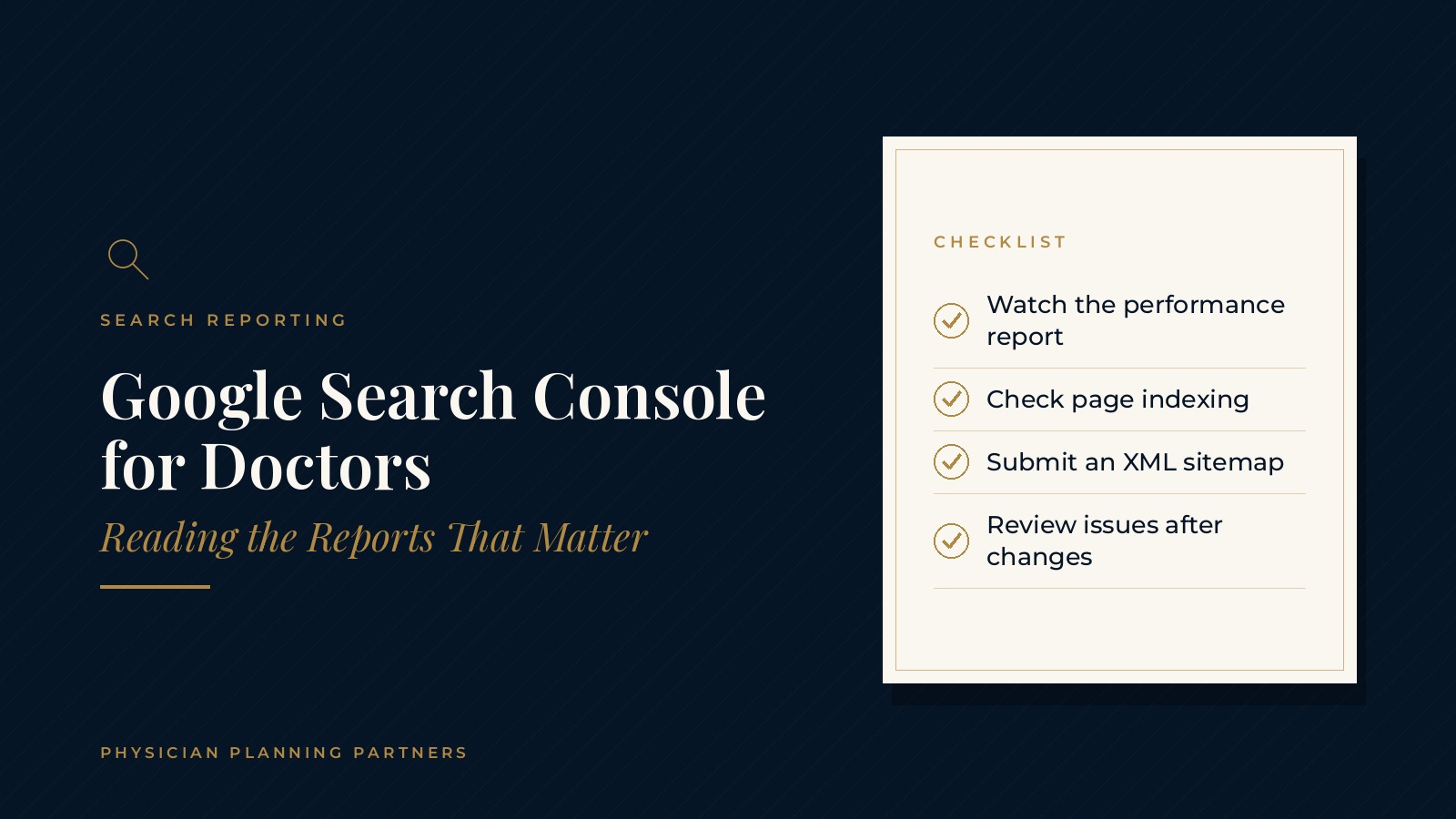
Key takeaways
- Set up Search Console once.
- Watch the performance report.
- Check page indexing regularly.
- Submit an XML sitemap.
- Review issues after site changes.
What Google Search Console shows a practice
Search data, not site analytics
Search Console reports what happens before a visitor reaches the website: the searches that showed a page, how often it appeared and how often it was clicked. Activity after the click, such as which pages a visitor reads next, is measured by separate analytics tools.
Signals about site health
The tool also shows whether Google can crawl and index each page, whether pages load well on mobile and whether structured data on the site has errors. These signals help a practice and its website professionals find problems that are hard to see from the browser alone.
A record over time
Because Search Console keeps a history of search data, practices can compare periods and see how search visibility changes after new pages, redesigns or content updates.
Setting up Google Search Console for doctors
Adding the website
Setup starts by adding the practice website as a property. A domain property covers every version of the site, while a URL prefix property covers one address, such as the main https version. Many practices start with a domain property so all versions report in one place.
Verifying the site
Google asks the site owner to confirm control of the website, usually by adding a DNS record with the domain host or a small tag to the site. Whoever manages the domain or website platform typically handles this step.
Giving access to the right people
Search Console lets the owner add other users with full or restricted access. Keeping the practice as the owner and adding outside professionals as users helps the practice keep control of its own data.
Submitting a sitemap
An XML sitemap lists the pages a site wants Google to find. Submitting the sitemap in Search Console helps Google discover new and updated pages and shows how many submitted pages are indexed.
The reports that matter for a search console medical website setup
Performance report
The performance report shows clicks, impressions, average click-through rate and average position for the searches that display a practice's pages. Filters by page, query, country and device help a practice see which services and locations attract the most search attention.
Page indexing report
The page indexing report lists which pages Google has indexed and which it has not, along with the reason. Common reasons include pages marked noindex, duplicate pages with a different canonical and pages Google found but has not yet crawled.
URL inspection
The URL inspection tool shows how Google sees a single page, including whether it is indexed, which canonical Google selected and when it was last crawled. After a page is updated, the tool can also request that Google crawl it again.
Experience and enhancement reports
Experience reports group pages with similar page experience issues, including Core Web Vitals on mobile and desktop. The guide to medical practice website speed explains what those measurements mean. Enhancement reports flag structured data errors, and the guide to medical schema markup covers how that markup works.
Physician Planning Partners can introduce you to independent medical SEO and website professionals who work with medical and healthcare practices on search visibility, technical SEO and reporting. If an outside look at your Google Search Console data would be useful, request an introduction.
Indexing doctor pages
Why indexing comes first
A page has to be indexed before it can appear in Google Search. New physician bios, service pages and location pages are often the pages a practice most wants found, so checking their indexing status is a common early step.
Common reasons pages are not indexed
Pages may be left out of the index when they are marked noindex, blocked by robots rules, very similar to another page or linked from few other pages on the site. The page indexing report names the reason for each group of pages.
Internal links and clear structure
Linking new pages from menus, related service pages and blog posts helps Google discover them. A clear site structure, with one page per service or location, also makes it easier for Google to understand which page answers which search.
Reading the data over time
Comparing periods
The date comparison feature in the performance report shows how clicks and impressions change from one period to another. Seasonal patterns, new services and site changes can all show up in these comparisons.
Connecting data to the site
Search Console data is most useful alongside a list of site changes, such as redesigns, new pages or updated titles. A simple change log makes it easier to connect a shift in the reports to a specific update.
Part of a broader review
Many practices read Search Console as one part of a wider website review. The guide to the medical practice SEO audit shows how technical, content and local checks fit together. The page on medical SEO gives a broader look at how practices approach search visibility.
Frequently asked questions
What is Google Search Console for doctors?
Google Search Console for doctors is the use of Google's reporting tool to see how a practice website appears in search, which pages are indexed and which issues Google has found.
Is Google Search Console the same as website analytics?
No. Search Console reports on search activity before a visitor reaches the site, while analytics tools measure what visitors do after they arrive.
What does the performance report show?
The performance report shows clicks, impressions, average click-through rate and average position for the searches that display a site's pages.
Why might doctor pages not be indexed?
Pages may not be indexed when they are marked noindex, blocked by robots rules, very similar to another page or hard for Google to discover through links.
Who should have access to a practice's Search Console account?
Many practices keep the practice as the owner and add website or SEO professionals as users so the practice keeps control of its own data.
Request an introduction to a medical SEO professional
Physician Planning Partners can introduce you to independent medical SEO and website professionals who work with medical and healthcare practices on technical SEO, indexing and search reporting. Curious how your website performs in Google Search? Take the 2-minute Practice Check and request an introduction. You can also call or text (972) 616-4581, or contact us.


